





























Every destination, one eSIM
Search a country or filter by region to find your data plan. Most travelers are connected within minutes of landing.
Get a second numberA second number for calls and texts abroadTraveling to several countries? See regional plans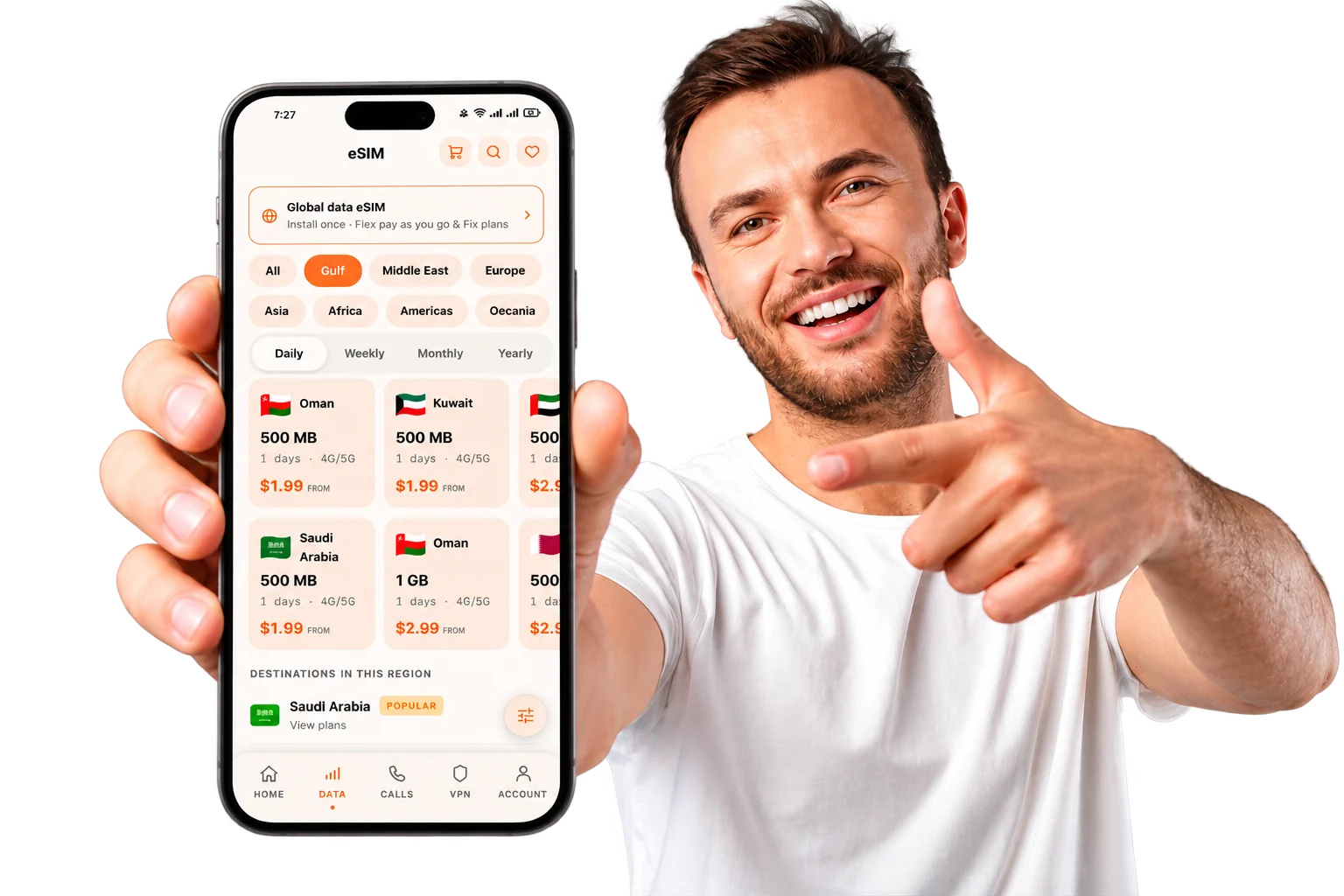
247 destinations
























Showing 24 of 247
Get online in three steps
No shop, no plastic SIM, no roaming surprises.
- Step 1
Choose your destination
Search a country or region and pick a plan. Data and validity are shown up front, before you pay.
- Step 2
Install before you fly
Your QR code arrives by email within minutes. Scan it on Wi-Fi at home and the eSIM sets itself up.
- Step 3
Land and connect
Turn off airplane mode when you arrive. Your plan only starts counting once it first connects.
Questions, answered
The essentials about buying and using a Roamlu eSIM.
See all FAQsStill unsure? Message our team
An eSIM is a SIM card built into your phone as software, so there is no plastic chip to insert, swap or misplace. When you buy a Roamlu plan we send you a QR code by email within minutes; scan it once and a new mobile line appears on your device. Your usual SIM stays put, so you keep your home number and your travel data on the same phone.
Most phones released in the last few years support eSIM, including recent iPhone, Samsung Galaxy, Google Pixel and many others, and your phone must also be carrier-unlocked. The quickest check is to open your device settings and look for an option to add an eSIM or a second cellular plan. If you are unsure, message us with your exact model before you buy and we will confirm in a minute or two.
Install while you are still on Wi-Fi at home, before you travel. Open your phone's cellular settings, choose to add an eSIM, and either scan the QR code from your Roamlu email or tap the install link if you are reading it on the same phone. That is the whole setup there is nothing to collect at the airport and no shop to visit.
If you installed the eSIM before flying, you are usually online within a minute of switching your phone off airplane mode. Your plan does not start counting down until it first connects to a network at your destination, so installing early never wastes a day. Just make sure data roaming is switched on for the Roamlu line and your device will find a local partner network on its own.
Your next trip starts connected
Pick your destination now and install before you fly your plan only starts when you land.